.svg)

Recognizing buying signals and sales triggers on LinkedIn can help create lists of potential customers with a buying intent. Although there is no absolute method of determining whether someone is interested in purchasing your solution, there are signs that indicate potential interest.
On LinkedIn, individuals express interest by liking and commenting on posts. If a post is related to your product or service and people are engaging with it, they may also be interested in your offer.
By examining these public signals, you can create lists of individuals who have shown interest. Let's take a closer look at two of these engagement signals:
- Post Likes: This is the weaker signal of the two, requiring less engagement from people. However, if the post topic is specific to your product and the contact fits your ICP, it can still be valuable to create a list based on this signal. For example, suppose you sell accounting services to freelancers in the UK and notice a post about reducing taxable income getting 300 likes. In that case, there's a good chance that some of those likes came from UK freelancers who could benefit from your services.
- Post Comments: Similar to post likes, comments indicate a potential interest in a product or service. This signal is stronger than a like, but it can also mean the opposite (negative comments). Engagement bait posts are a great way to find interested individuals. These are posts where the author asks for comments or likes in exchange for a guide or information. People who engage with these posts are likely interested in learning more about the subject.
Now that we’ve established the logic behind building based on people’s engagement on social media, let’s dive into how to create these lists in practice.
WHAT DO WE NEED?
You only need two things:
- An active LinkedIn account
- Register to Phantombuster (they have a 14-DAY Free Trial).
STEP 1 - Find the post you’ll extract data from
You simply need to browse your LinkedIn feed and check for relevant posts. It helps to have people in the same niche as you, which means you’ll see posts you can extract contacts from more often. Also, start building a list of people that often post about your niche. You don’t need to be connected with them to take advantage of the technique.
For the sake of this article, I found a post from Alfie Marsh.
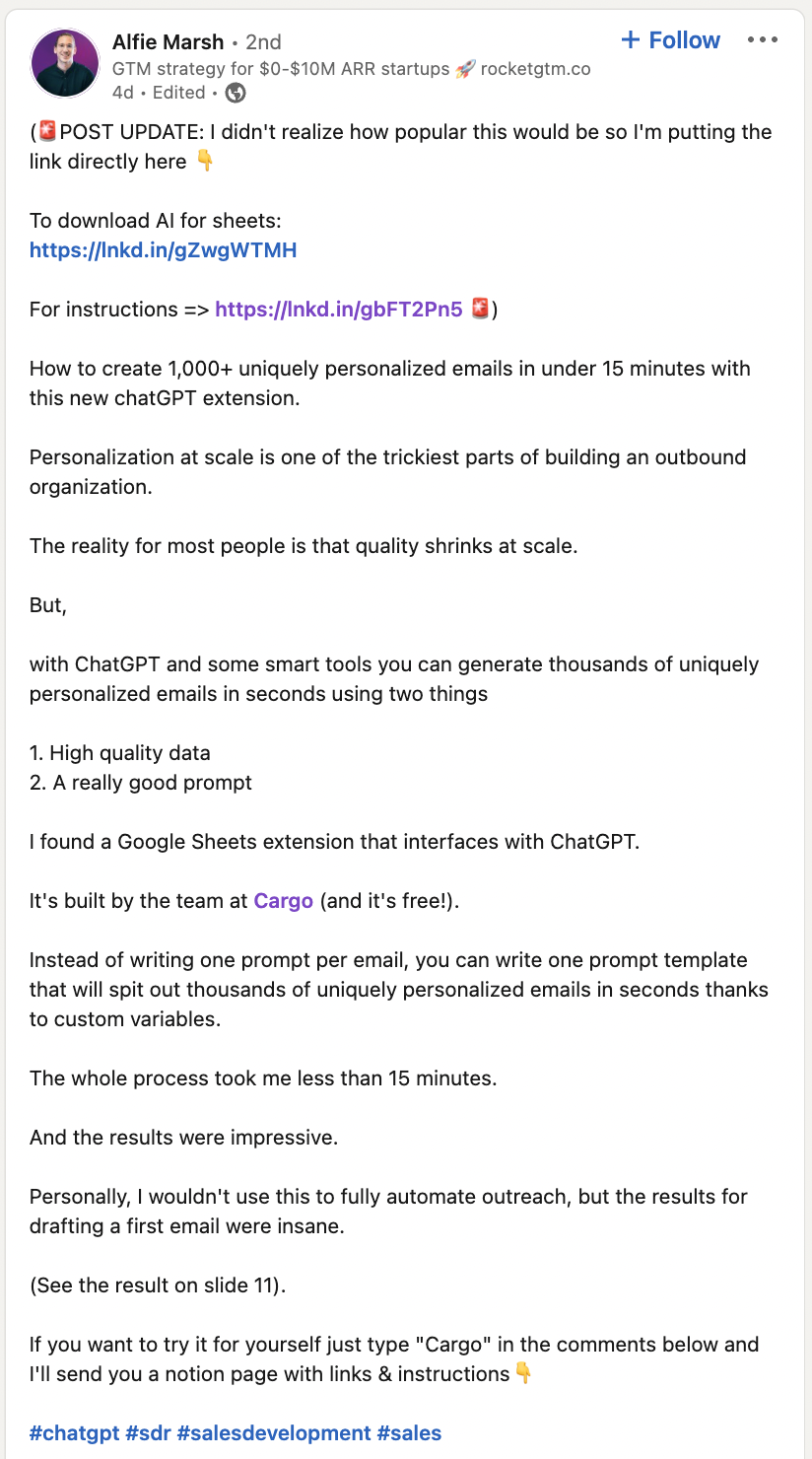
The post is great because it shows a technique to personalize messages at scale using Cargo. It then ends by asking people to comment if they want detailed instructions on implementing the strategy. This means that almost all the people who commented are interested in improving their outreach strategy. If you sell a solution around outbound sales, there’s a high chance some people are perfect fits!
Once you have found your post, click on the three dots on the upper right to get the link. We will use this link as input in Phantombuster.
STEP 2 - Register to Phantombuster and search for the “LinkedIn Post Commenters Export”

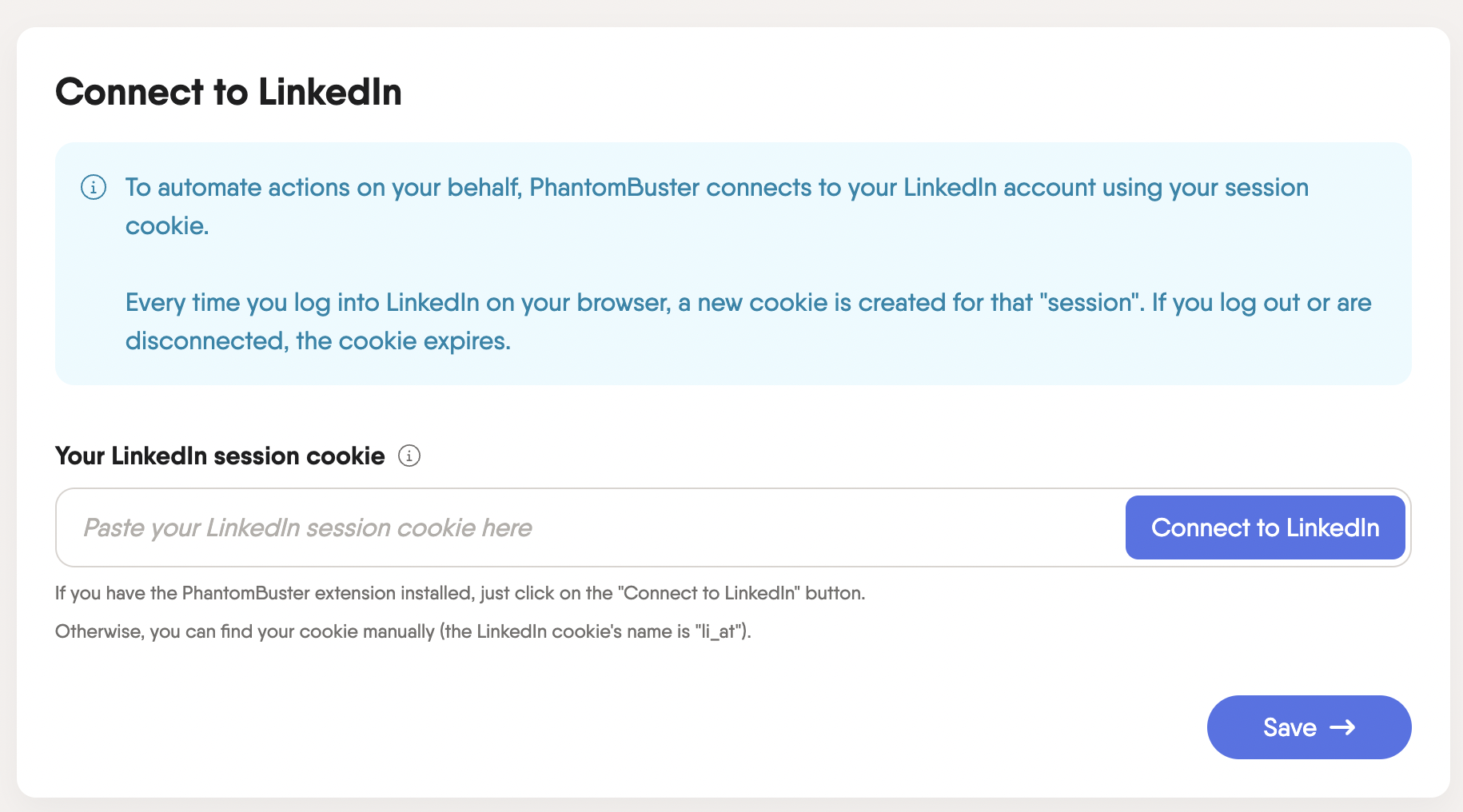
Click on “Use this Phantom”, and then you’ll have to install the Phantombuster extension that will allow you to Connect your cookie to LinkedIn.
1. Connect to LinkedIn
2. Copy/Paste the URL of the Post

3. Specify the # of comments you want Phantombuster to retrieve. (I put a 250 limit here. It’s best not to put it too high to avoid getting your account banned by LinkedIn)

4. Leave “Settings” as they are
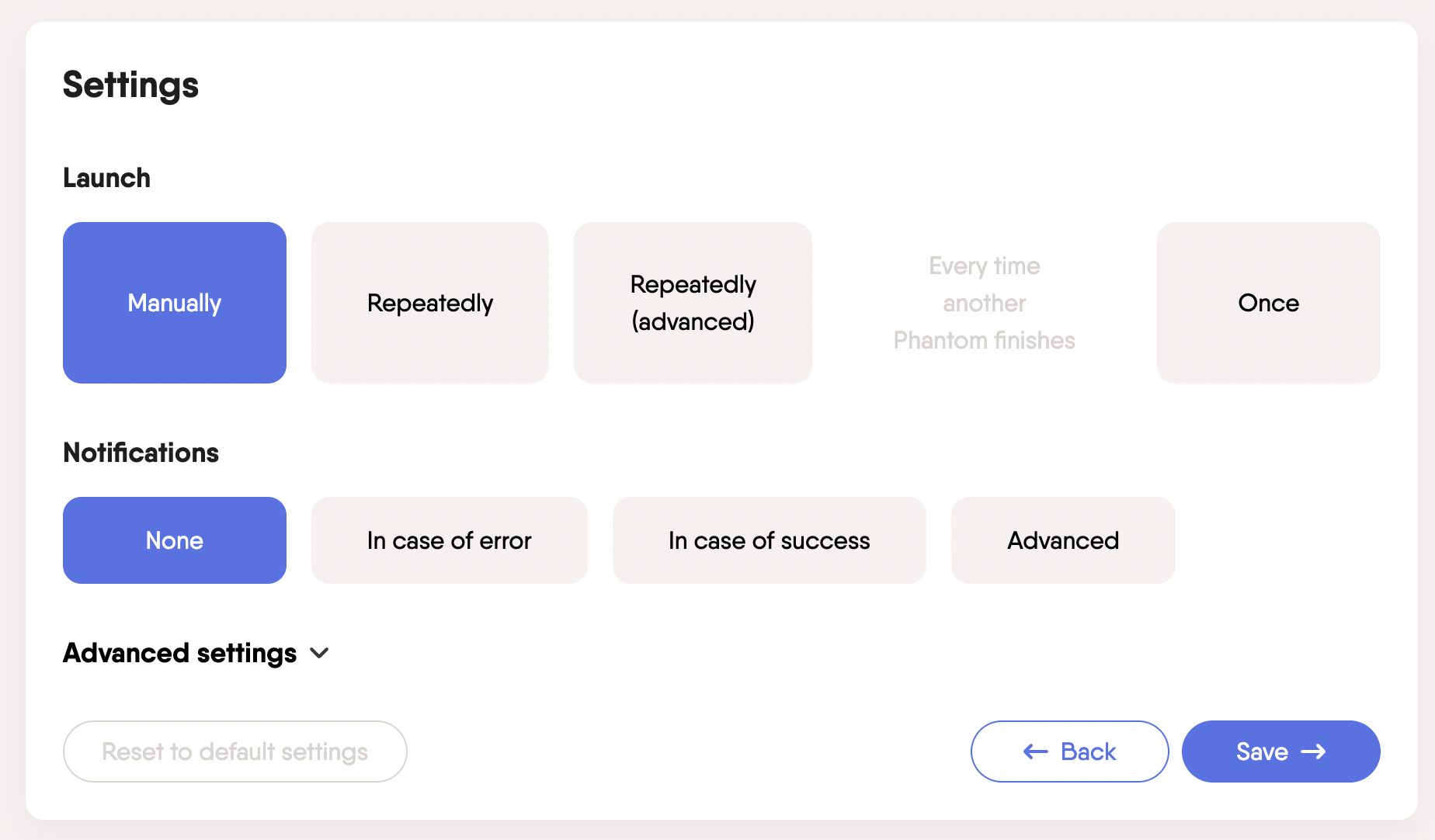
5. “Launch the Phantom” (this will take a few minutes to complete)

6. Download the Results once the extraction is done

7. You now have a Google Sheet that includes the First Name, Last Name and LinkedIn Profile URL of all the people who commented on the post.

STEP 3 - Reach out on LinkedIn or Enrich the Information
Now that you have your list of prospects, you can find a creative way to reach out to them and generate opportunities. Since you’re on LinkedIn, you can use automation software such as Expandi or LaGrowthMachine to automate your messaging.
You’ll notice that you don’t have the email address or the company name on this list. If you want to contact your leads at scale by email, you can use the data enrichment function from Apollo. Once you have found the contact information, you can automate your email outreach using tools such as Smartlead or Instantly. Before you set up automation, try this free email finder to collect accurate emails quickly.
Free Email Finder
Find verified email addresses instantly. Use it right here, completely free.
Your target's information
Fields marked with * are required
Enter just the domain (e.g., company.com) or paste a website URL
Please enter a professional email address
Please fill in all required fields
CONCLUSION
In conclusion, leveraging buying triggers is a highly effective way to generate lists of potential customers on LinkedIn.
By examining public signals such as post likes and comments, you can identify individuals who have shown interest in products or services related to yours and add them to your list. This process allows you to focus your outreach efforts on individuals who are already engaged and likely to be interested in your solution, increasing your chances of making a sale.