.svg)

14 Best AI Video Tools & Software in 2026
WHAT IS AI VIDEO TOOLS AND SOFTWARES?
AI video tools and software are applications and programs that use artificial intelligence (AI) to enhance and automate various aspects of video creation and editing. These tools can be used by individuals, businesses, and organizations to create high-quality videos more efficiently and effectively.
WHY SHOULD YOU USE AI VIDEO TOOLS AND SOFTWARES?
You should use AI video tools and software because they can increase efficiency by automating tasks, improve video quality with AI-generated graphics and effects, provide valuable video analytics insights, and save time and effort in the video creation and editing process. These tools can also help businesses and individuals create more engaging and personalized video content for their audiences.
TOP AI VIDEO TOOLS & SOFTWARE IN 2026
1. UBIQUE
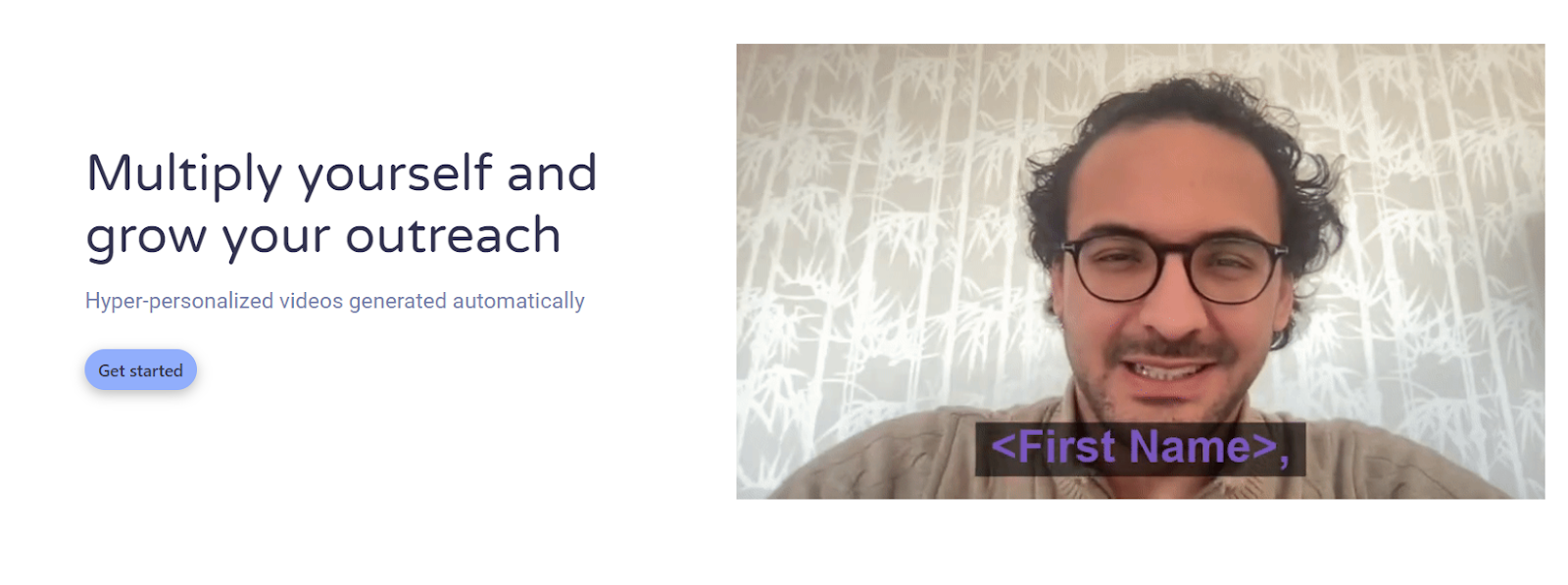
Ubique is an AI-powered tool for generating personalized videos on a large scale. With just one recording of yourself, you can create thousands of unique videos, all featuring your own voice. This is a game changer for businesses looking to create targeted videos for their email campaigns, as manual video creation can be too time-consuming and resource-intensive. By automating the process with an AI video generation tool like Ubique, businesses can improve engagement and build trust with their audience without expending significant time and effort.
Pricing: To know the pricing for Ubique, you must first register/sign up for their service.
2. DESCRIPT
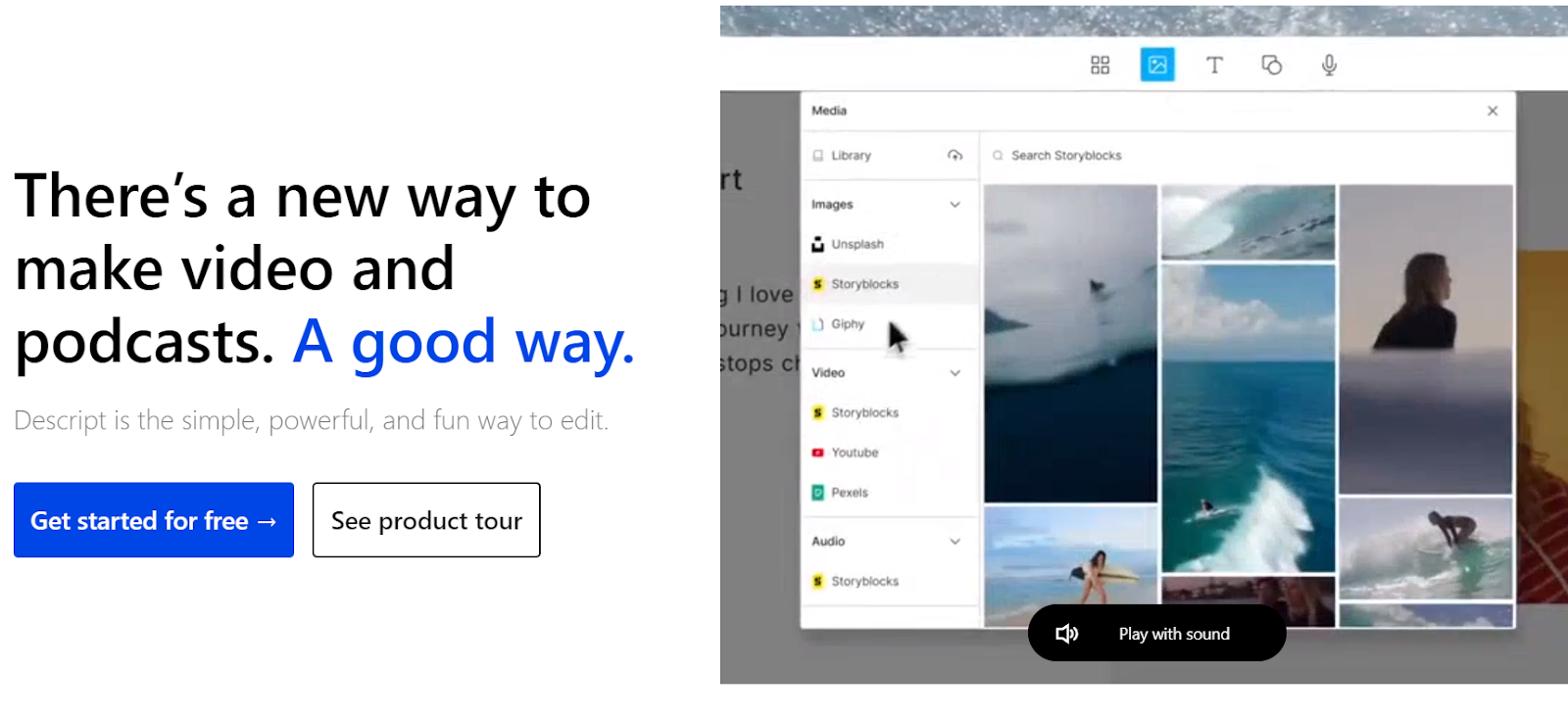
Descript is a comprehensive editing tool that simplifies the editing process by offering a user interface similar to a Word document. By uploading media or recording directly in Descript, your file is transcribed into text, allowing you to conveniently modify the text for direct editing of your media clips. Transcription is done quickly and accurately, and Descript includes automatic speaker detection. With a single click, you can remove filler words and silence gaps. It also enables you to record your screen and webcam, edit out mistakes within seconds, and immediately publish to a link for sharing. You can access professional editing features, including multi-track editing, live collaboration, auto-captioning, and much more.
Pricing: Descript offers a Free account, and its subscription service begins at $12 per user per month.
Rating: Descript is rated 4.6 / 5 on G2 (328 reviews)
VEED
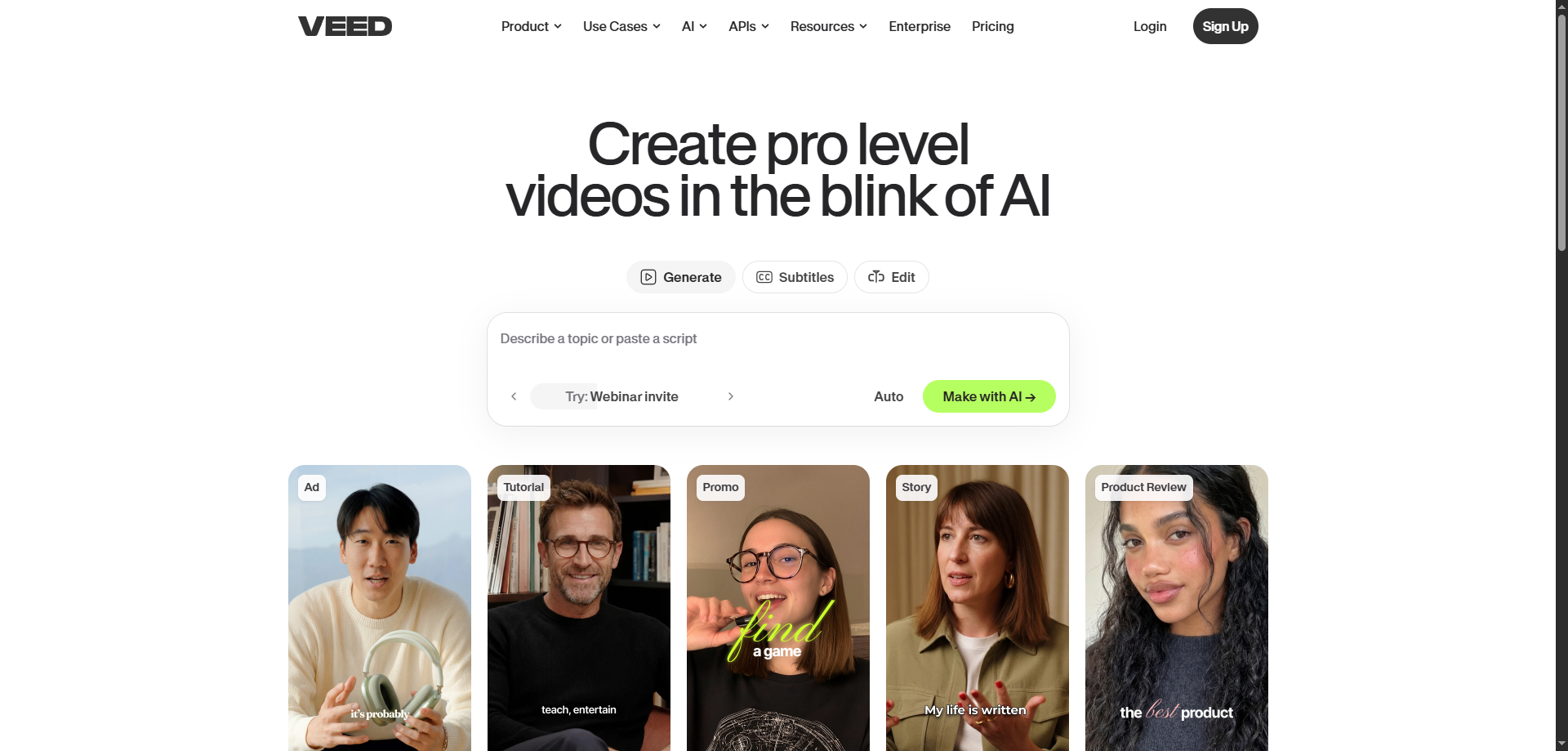
Veed is an AI-powered online video editing platform designed to help creators, marketers, and businesses produce professional-quality videos quickly and easily. With features like AI video generation, automatic subtitles, text-to-speech, voice cloning, background noise removal, eye contact correction, and AI avatars, Veed streamlines the entire video production workflow in one browser-based platform. Its intuitive drag-and-drop editor makes it simple to trim, resize, add effects, and optimize videos for platforms like YouTube, TikTok, Instagram, and LinkedIn — no advanced editing skills required.
Pricing: VEED offers a Free plan, with paid subscriptions starting at $9 per month.
Rating: VEED holds a 4.6/5 rating on G2 (based on 400+ reviews).
3. VIDYO
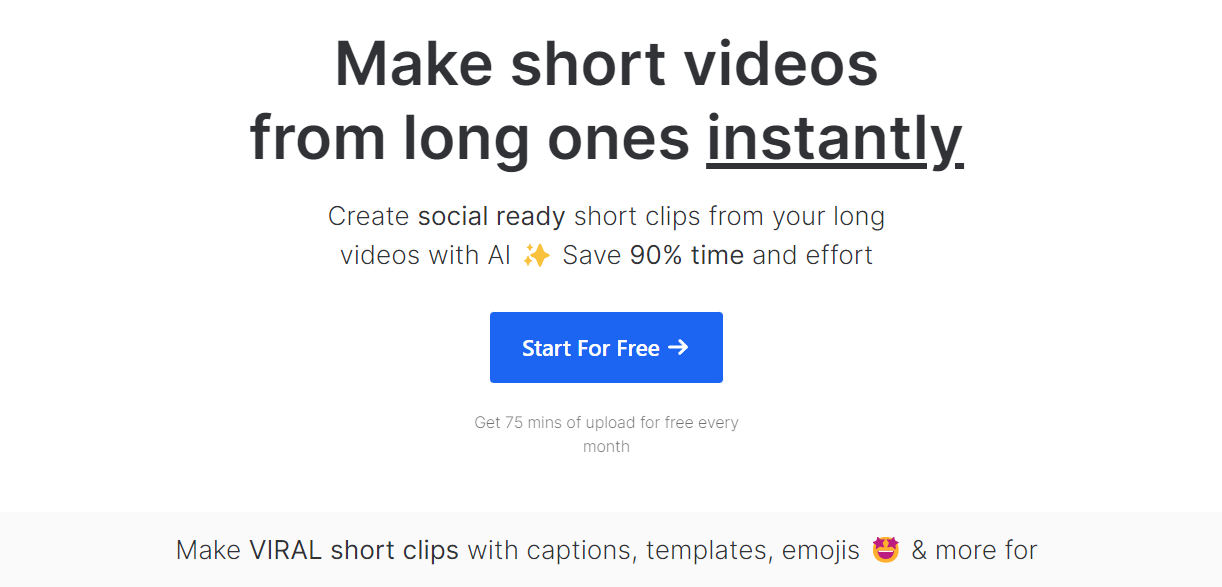
Vidyo.ai is an all-encompassing content repurposing tool that goes beyond mere subtitle addition to your videos. It functions as a fully-fledged online video editing platform, catering to a variety of videos and devices. With vidyo.ai, users have access to an extensive range of tools, including video resizing, clipping, auto-chapters, AI-generated subtitles, social media templates, and customizable backgrounds, colors, and fonts, among other fantastic features. The platform boasts of a straightforward and user-friendly interface, whereby users can upload their videos or paste a YouTube link and let the AI do the rest of the work.
Pricing: Vidyo offers a Free account, and its subscription service begins at $29.99 per month.
Rating: Vidyo is rated 5 / 5 on G2 (1 review)
4. SYNTHESIA
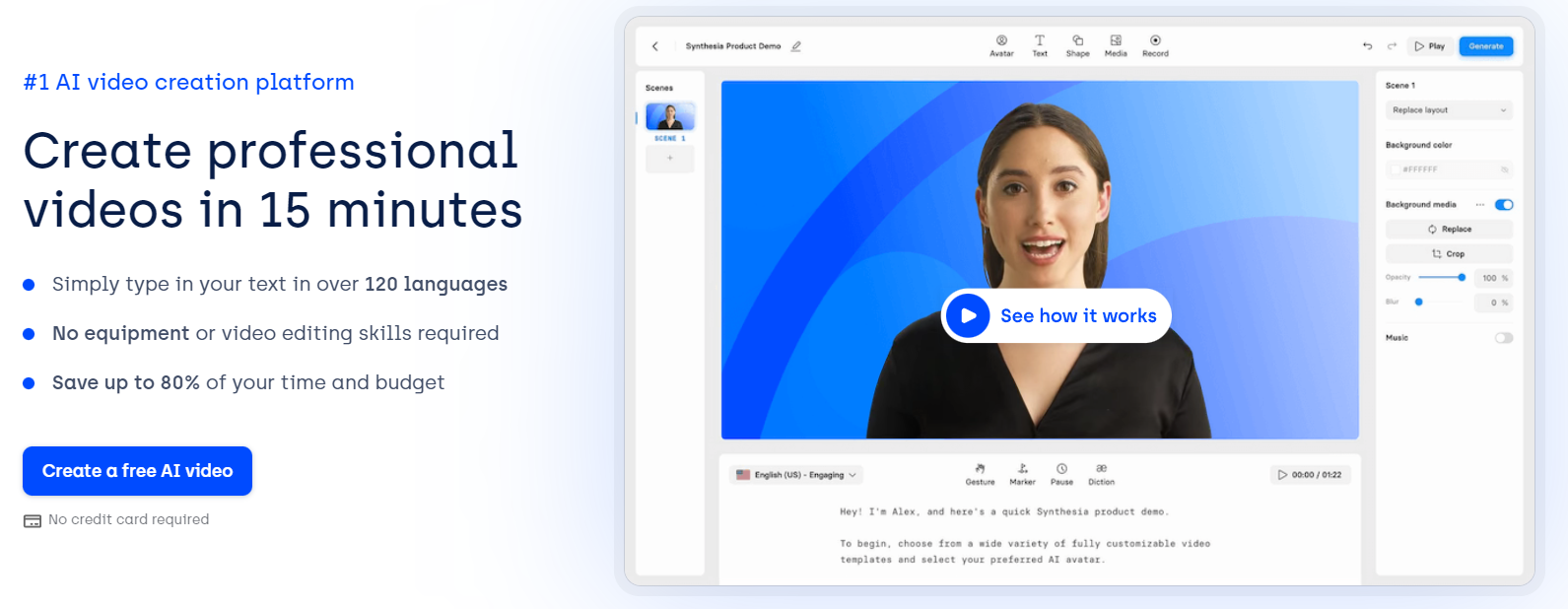
Synthesia.io is a cutting-edge AI video creation tool that enables users to produce high-quality videos by converting text into speech within a matter of minutes. As a pioneer in AI video technology, Synthesia.io leverages the power of artificial intelligence to generate videos automatically.
Pricing: Synthesia starts at $30 per month
Rating: Synthesia is rated 4.8 / 5 on G2 (609 reviews)
5. HIPPOVIDEO
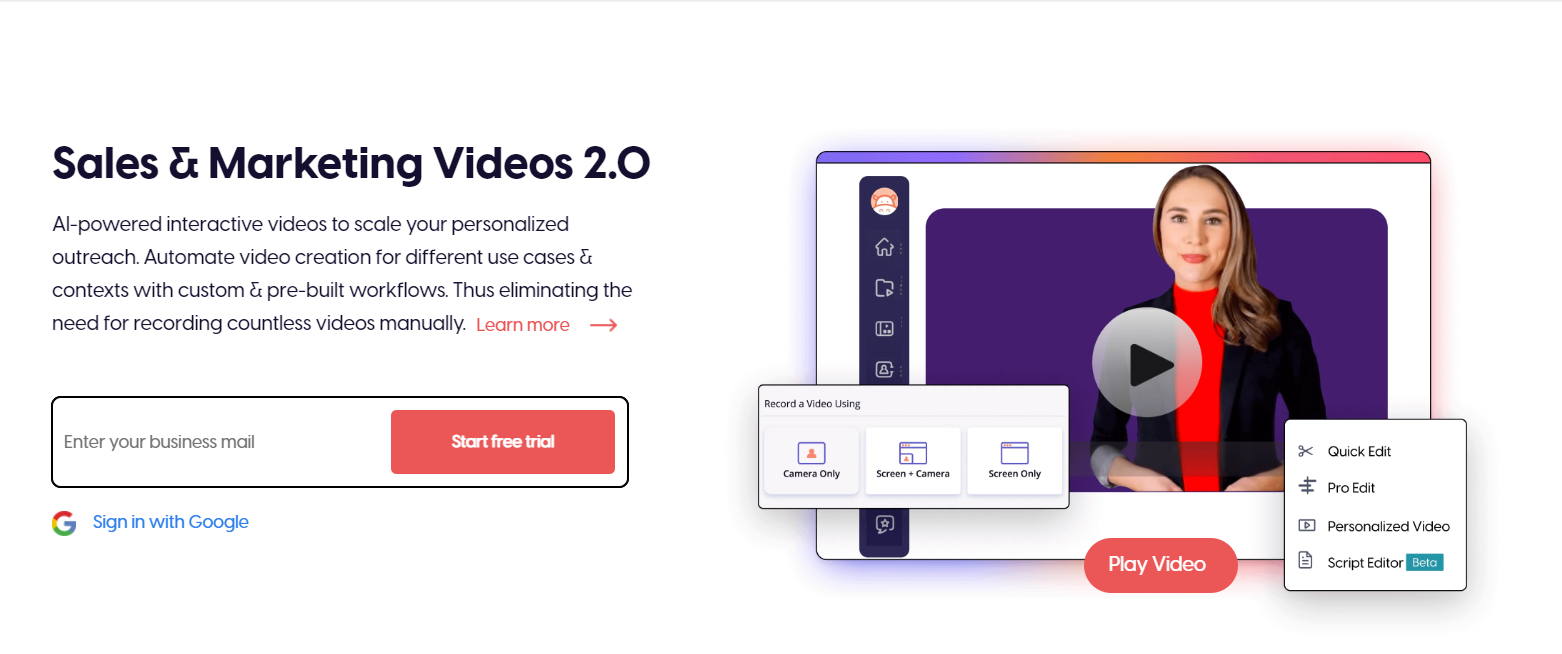
Hippo Video is a robust platform for distributing customized videos across multiple channels. With Hippo Video, businesses can easily achieve their marketing and sales goals through streamlined video workflows. Some of the features of Hippo Video include video email, video customization, customized sales pages, video recording, video campaigns, video marketing, and video communication.
Hippo Video is trusted by over 1.5 million users worldwide and has been adopted by more than 5,000 companies, including British Airways, Panasonic, and Amazon.
Pricing: By paying $15, you can access unlimited videos with full HD recording
Ratings: HippoVideo is rated 4.5/5 on G2 (634 reviews)
6. POTION

Potion allows you to create multiple personalized videos featuring your own face and voice with automatically generated subtitles, logos, images, and GIFs. With Potion, you can also customize your landing pages with your own domains, brand colours, CTAs, and calendar embeds and integrate your videos with any outreach sequencing tool.
This software empowers you to craft highly personalized cold emails and execute outreach campaigns that truly capture attention. Moreover, if you require prospects to demo your product, Potion assists in engaging qualified leads and scheduling more calls.
Pricing: Potion starts at $247/mo per user profile.
Ratings: Potion is rated 4.9/5 on G2 (14 reviews)
7. SENDSPARK
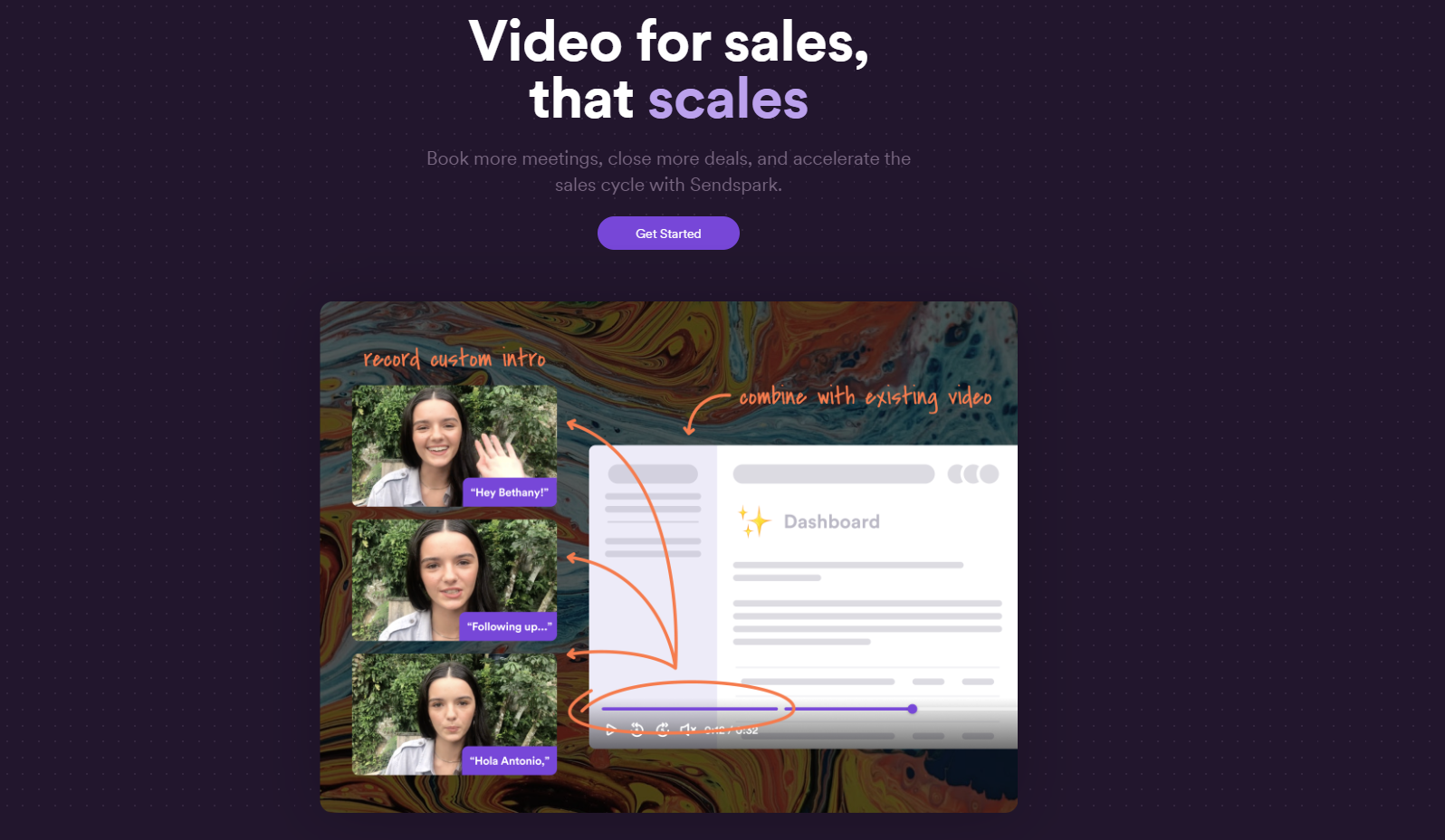
Sendspark makes video capture easy, even if you lack video experience or costly equipment. Using Sendspark, you can effortlessly create and share personalized video messages and emails, including updates, pitches, presentations, and demos.
Sendspark is a versatile video communication tool that offers numerous benefits for businesses. By creating personalized video messages, businesses can establish stronger relationships with their customers. Sendspark also enhances collaboration among team members, particularly for remote workers. With the ability to capture instant demos and tutorials, businesses can enhance understanding and engagement with their audience.
Pricing: By paying $12, you can enjoy unlimited video uploads and downloads, customized with your logo and brand styles, including calls-to-action.
Rating: Sendspark is rated 4.8/5 on G2 (341 reviews)
8. TAVUS
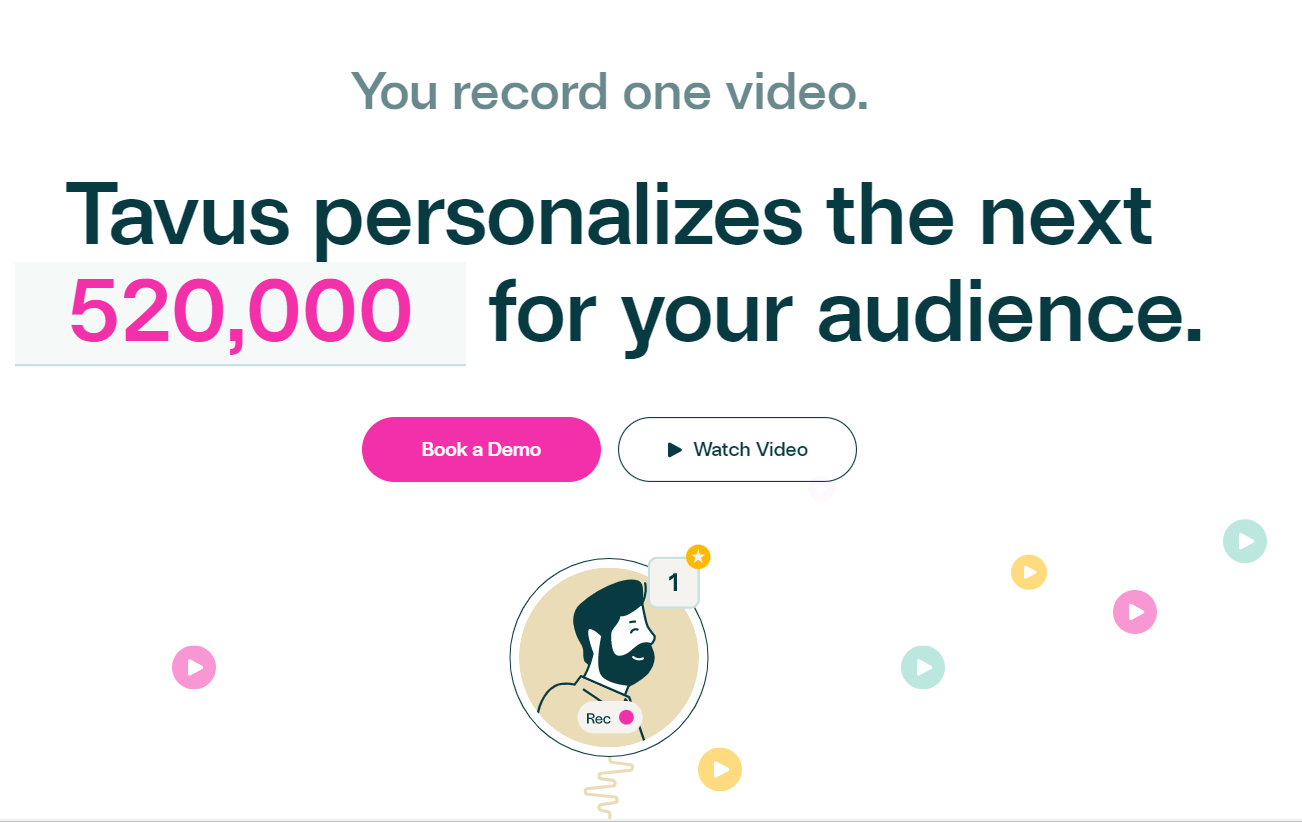
Tavus is an AI video generation platform that personalizes videos of you to each audience member automatically. Creating personalized videos can be time-consuming for many companies, but Tavus allows users to create their own AI video templates in minutes and then generate an unlimited number of versions of a video from that original source. This AI video generation platform is designed to help companies save time and resources by automating the process of creating customized videos for different clients or candidates.
Pricing: Tavus plans start at $275 per month.
9. STEVE AI
Steve.AI is an online video creation platform that utilizes AI (Artificial Intelligence) to help brands and businesses produce compelling videos for various purposes, such as social media, advertising, and storytelling. With the ability to transform scripts into captivating videos in mere minutes, our technology empowers users to create high-quality videos with minimal effort, time, and cost. Our ultimate goal is to make video creation accessible to anyone, irrespective of their level of technical expertise.
Pricing: Steve AI starts at $15 per month
Rating: Steve AI is rated 4.6 /5 on G2 (13 reviews)
10. ELAI
Elai.io enables businesses to create video content featuring narrators by using text that can be translated into multiple languages to suit their needs. The platform provides users with avatars and templates that they can utilize to transform their blog posts and articles into engaging videos.
Pricing: Elai offers a Free account, and its subscription service begins at $23 per month.
Rating: Elai is rated 4.8 /5 on G2 (33 reviews)
11. CANVA
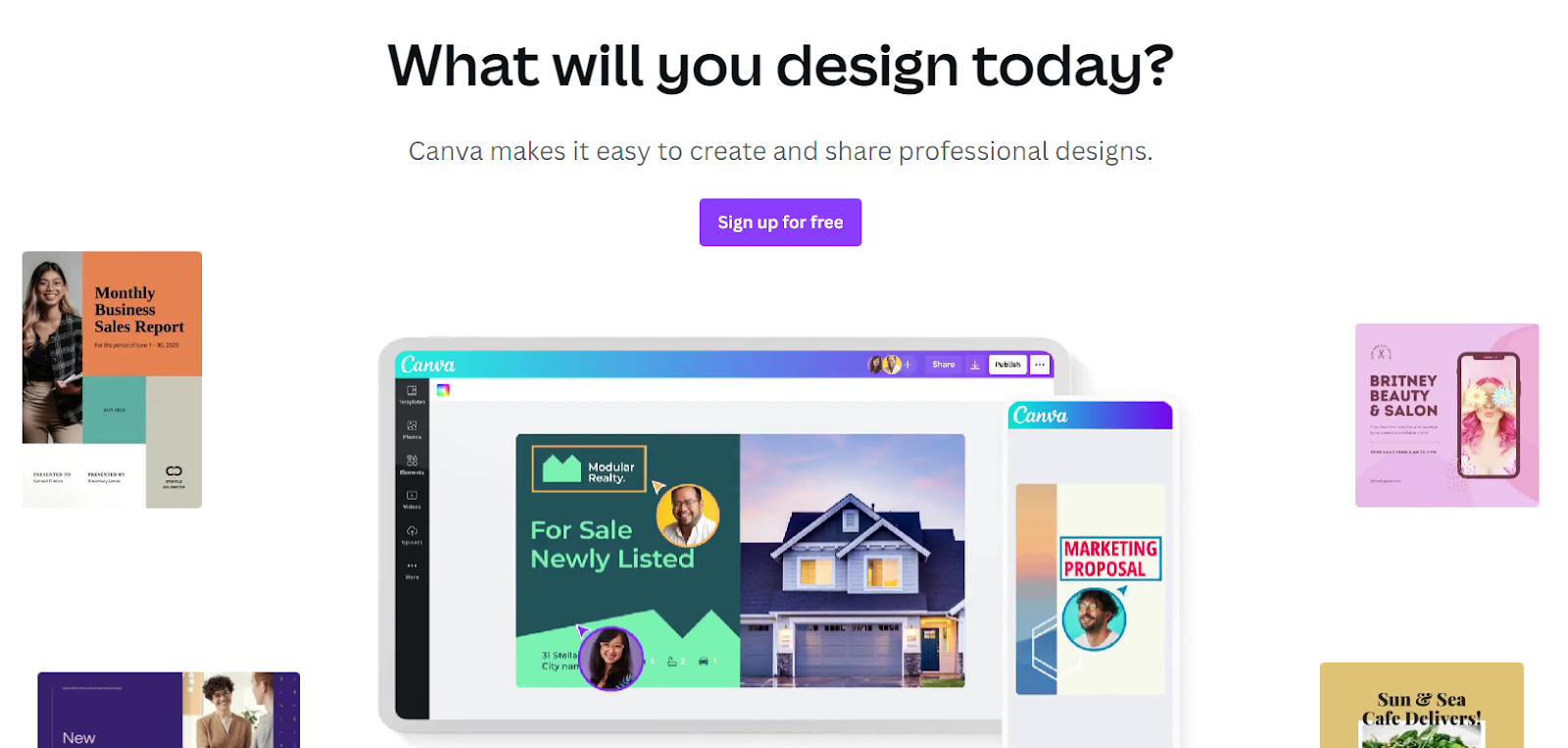
Canva provides users with the ability to create an array of visual content, including social media graphics, presentations, and posters, among others. Its drag-and-drop interface and extensive library of templates, fonts, illustrations, stock photography, video, and audio content make it simple to create stunning designs. Moreover, Canva allows users to include content from external sources, such as Giphy and Google Maps. The platform is accessible on the web, iOS, and Android. Discover more about Canva, the ultimate design tool for social media, print materials, and beyond.
Pricing: Canva offers a Free account, and its subscription service begins at $47.99 per person per month
Rating: Canva is rated 4.7 / 5 on G2 (4,022 reviews)
12. INVIDEO
InVideo is a user-friendly DIY video creation platform that allows users to transform their ideas into videos in real-time. The platform boasts over 4000 custom-built templates and a library of more than one million royalty-free images and video clips. With InVideo, businesses across various industries can create customized videos that align with their branding and share them on different social media platforms and websites. It offers advanced editing options, pre-built templates, and a vast content library of images and videos sourced from online repositories like Storyblocks and Shutterstock for users to choose from.
Pricing: InVideo offers a Free account, and its subscription service begins at $15 per month
Rating: InVideo is rated 4.6 /5 on G2 (145 reviews)
13. FLIKI

Fliki is a platform that enables users to create audio and video content quickly with the help of AI voices through its Text to Speech & Text to Video converter. By using Fliki, users can effortlessly convert their blog articles or any text-based content into videos, podcasts, or audiobooks with voiceovers in a matter of clicks. The platform features over 850 voices in 77 languages and 100 regional dialects to choose from, giving users a wide variety of options for creating content.
Pricing: Fliki offers a Free account, and its subscription service begins at $6 per month
Rating: Fliki is rated 4.8 / 5 on G2 (79 reviews)
14. SSEMBLE

Ssemble provides a user-friendly and creative experience for video editing. With a comprehensive collection of plugins, you can easily create videos without the need to learn complex skills. The Background Remover plugin allows for easy removal of backgrounds with just a click. The Voice Creator plugin enables natural dubbing by typing the desired text and choosing a preferred voice. Additionally, Ssemble's Cloud Storage feature simplifies importing photos and videos with a single click, and the Epidemic Sound integration offers royalty-free music for videos. With Ssemble, you can efficiently edit videos with features such as trimming, splitting, zooming, rotating, applying transitions, and VFX. Ssemble also facilitates collaborative video creation and quick sharing for instant feedback.
Pricing: Ssemble offers a Free account, and its subscription service begins at $30 per month
CONCLUSION
AI video tools and software are important because they enable individuals and businesses to create high-quality video content more efficiently and effectively. With the help of AI-powered features such as automated video editing, scene detection, and intelligent cropping, video creators can save time and effort in the video production process. AI-generated graphics, animations, and visual effects can enhance the quality of the video and make it more engaging for viewers. Video analytics tools that use AI can provide valuable insights into audience engagement, sentiment, and other metrics, helping creators to improve their video content and reach a wider audience. Overall, AI video tools and software play a significant role in improving the quality and effectiveness of video content creation and distribution.
FAQ
What to look for in the best AI video generator?
AI-powered video generators offer a range of functionalities, and it's important to identify your specific requirements before selecting a tool. Do you require assistance with video editing, generating a large volume of videos, or analyzing business-related videos? Once you've determined your needs, you can choose the appropriate tool to meet those requirements.
Why choose AI video editing for your business?
AI can perform video editing and apply edits to video clips at a pace that is impossible for humans to match. AI can also help create personalized videos that can follow up on sales calls and include the names of clients on a large scale, making it the ultimate tool for business videos. By leveraging AI, you can create and edit amazing videos without the tedious process of video editing, and your business and marketing campaigns will benefit from it.
What are the advantages of AI and automated video editing tools?
AI video creators offer several benefits, including saving time, energy, and money. These tools allow users to create videos quickly and easily without the need for manual editing. Additionally, AI video creators are a more affordable option for smaller companies and freelancers who may not have the budget for professional video makers.